Shop-floor screens, managed from anywhere
Turn any x86 PC into a locked-down station for line-side terminals, work instructions, andon boards and quality checks. Boot it from a USB stick, give it a role, and run every station from one web console.
- Hole position
- Weld bead length
- Surface finish
- Label and lot code
From any PC to a live station in about 10 minutes
Plug in a USB stick. Oztis does the rest. There is nothing to install on site and nothing to configure on the PC itself.
Boot from the USB stick
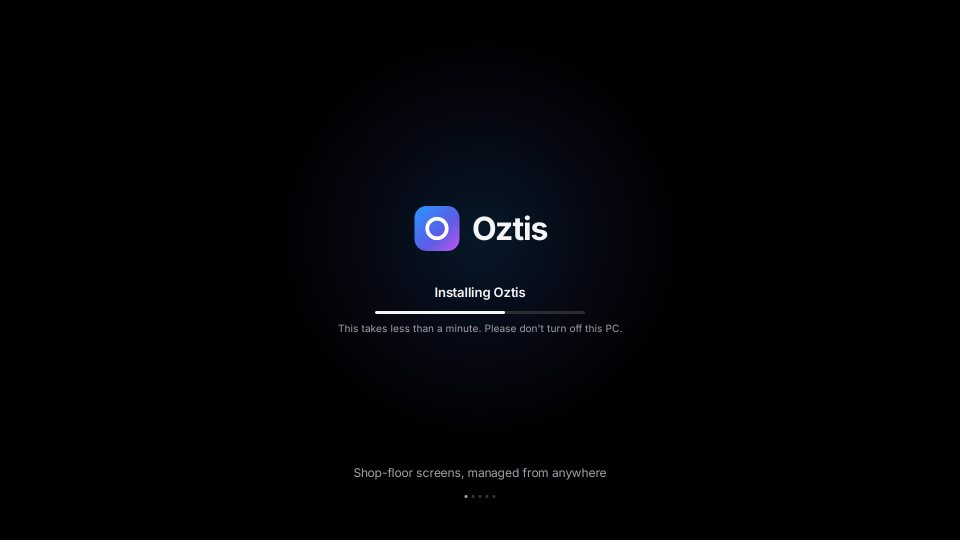
Download your organization’s installer from the console, write it to a USB stick and boot the PC from it. Oztis installs a locked-down, read-only OS in under a minute.
It enrolls itself
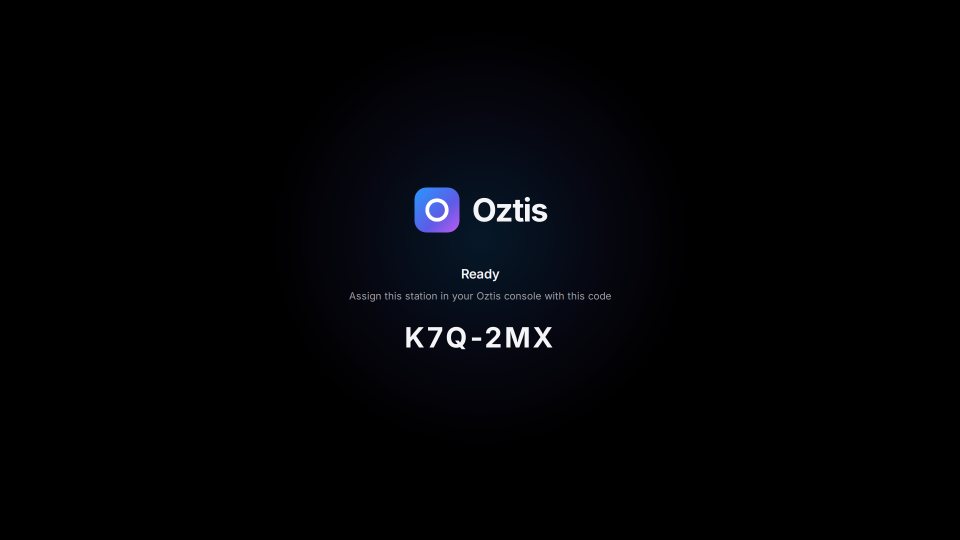
The station creates its own key, receives its own certificate and appears in your console. Approve it there, or let the enrollment token place it in the right group automatically.
It pulls its role
Assign a role to the station or to its group. The screen switches to the layout and web apps you picked. Change the role later and the station follows, with no re-imaging.
Kiosks, andon boards and work instructions
A role is a screen layout plus the web apps that fill it: your MES, dashboards, work instructions or quality forms. Start from a built-in layout or make your own.
Fullscreen
One app, edge to edge. An andon board or a production dashboard.
Side by side
Two apps, equal width. MES next to work instructions.
Main + sidebar
A large app with a narrow panel for status or checklists.
Main + ticker
A dashboard with a status strip along the bottom.
2 × 2 grid
Four apps in quarters, for a supervisor or quality station.
One cloud console for every plant
Group stations by plant and line, give each group a role and its policies, and see what every screen is doing, from the office or from your phone.
- Groups, roles and policiesSettings flow from plant to line to station. Each station shows where every value came from.
- Live status and eventsOnline and offline status, health, events and logs for every station.
- Live screenshots and remote shellSee a screen mounted out of reach, or open a shell, without walking to it.
- Audit logEvery change and every remote session, with who did it and when.
Built to sit on a plant network
Stations only make outbound HTTPS connections. Each one proves who it is with its own certificate, and only runs configuration that Oztis has signed.
Per-device certificates
Each station generates its own private key and gets a certificate of its own. No shared passwords.
Signed configuration
Stations check the signature on every configuration before they apply it.
Read-only OS
A verified, read-only system image. A modified image won’t boot.
Full audit log
Every change and remote session is recorded, including Oztis staff access.
Start with one station, free
Pay per device per month when you roll out to more stations. No servers to buy and no on-site installation.
Enterprise
For multi-plant manufacturers that need single sign-on and an SLA.
Start freePut your first station on the line
Create an account, make a USB stick and boot a spare PC. Your first device is free.