Everything a shop-floor screen needs, and nothing it doesn’t
Oztis is three things that work together: an operating system built for single-purpose stations, roles that decide what each screen shows, and a cloud console to run the whole fleet.
Plug in a USB stick. Oztis does the rest.
Each organization downloads its own installer from the console. Boot a standard or industrial x86 PC from it, and Oztis wipes the disk, installs and restarts, usually in under a minute.
- Read-only and verifiedA minimal Debian-based system image that can’t be changed on the device. A modified image doesn’t boot.
- Locked-down sessionNo desktop, no terminal switching, no browser developer tools, downloads or file pickers. Operators see only the apps you assigned.
- Wipe safeguardIf the disk holds anything other than Oztis, the installer shows the disk and a 15-second countdown first. Any key cancels. Unattended mode is there for large rollouts.
- No package manager, no SSH serverThe station runs what Oztis ships, and nothing else.
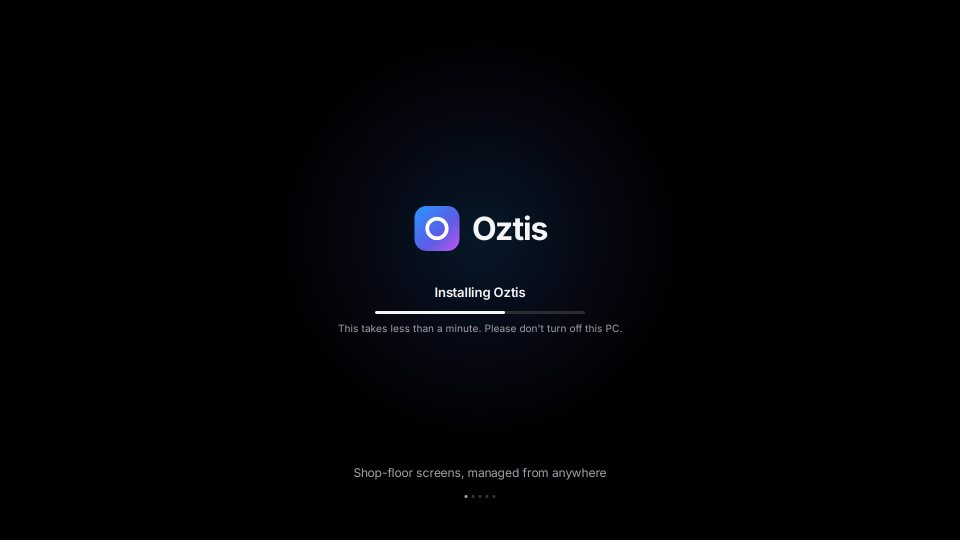
What the station shows while it installs
Friendly, branded screens at every step, from install to setup. No scrolling boot text on the shop floor.
A role is what the station is for
Pick a layout, fill each part of the screen with a web address, and assign the role to a station or a whole group. Each app runs in its own supervised browser window and restarts by itself if it crashes.
Fullscreen
One app, edge to edge.
Side by side
Two apps, equal width.
Main + sidebar
A large app with a narrow panel.
Main + ticker
A dashboard with a status strip.
2 × 2 grid
Four apps in quarters.
Custom layouts
Build your own layouts in the console with a live preview, when the built-in ones don’t fit.
Re-purpose in minutes
When a line is reconfigured, change the role. The station switches over without being re-imaged.
Screen settings by policy
Resolution, rotation for portrait screens, display sleep, idle refresh and allowed web domains.
One cloud console for every plant
A web console that works on a desktop and on a phone. Everything it does is also available through the API, so larger rollouts can be scripted.
Groups
Organize stations the way your plants are: plant, line, cell. A station belongs to one group and inherits its role and policies.
Policies
Display, Wi-Fi and proxy, browser behaviour, update window, time zone and keyboard, remote-access rules. Attach them to the organization, a group or one station.
Effective configuration
For any station, see the settings it actually runs with and where each value came from.
Monitoring
A fleet dashboard with online, offline and pending stations, plus per-station health: CPU, memory, disk, network and the apps on screen.
Events and logs
A history of what happened on each station, and log bundles you can pull with one click.
Team and API access
Invite colleagues with roles, require two-step verification, and create API keys for automation.
Check a screen without a ladder
Shop-floor screens are often mounted on a machine, above a line or behind a monitor. Oztis lets you look and fix from the console.
- Live screenshotsSee exactly what a station is showing right now.
- Remote shellA restricted support shell in your browser, for troubleshooting. Off unless a policy turns it on.
- No inbound portsThe station connects out to Oztis over HTTPS. Nothing listens on the plant network.
- Every session auditedWho connected, to which station, when and for how long.
An on-screen indicator, if you want one
A policy can show operators a banner while a remote session is active, so nobody is surprised.
The line keeps running when the network doesn’t
A station keeps its last good configuration on its own disk. When it restarts, it shows its apps straight from that copy, then checks for changes in the background.
- If the network or the Oztis cloud is down, stations carry on with their last configuration.
- Changes arrive when the connection is back. Nothing needs to be restarted by hand.
- A new station that has no network yet shows a “Waiting for network” screen with plain-language checks.
Your web apps still need to be reachable from the station. Oztis keeps the station itself running.
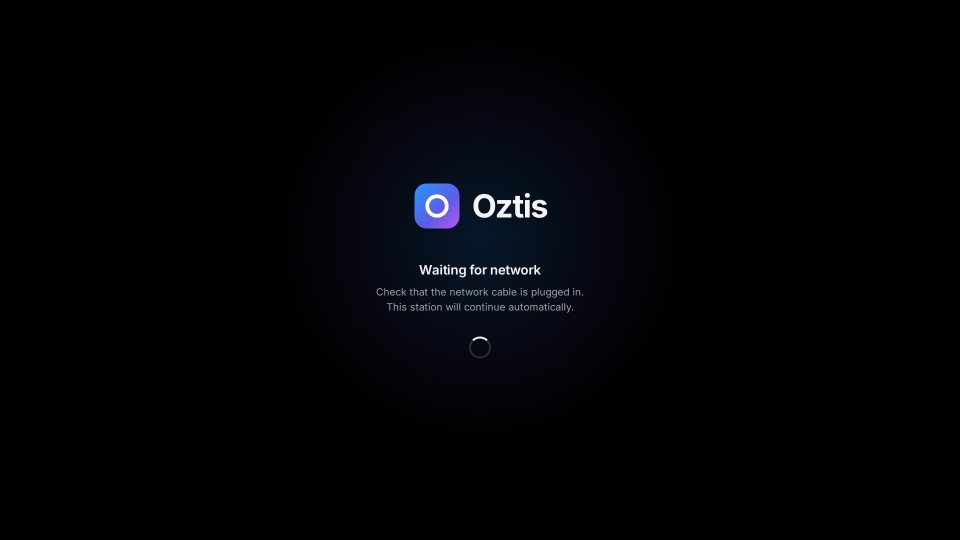
Waiting for network
Tells the person in front of the screen what to check: the cable, the network address, and whether the Oztis cloud can be reached.
Updates that can’t strand a station
Each station has two system slots. Updates go to the slot that isn’t running, so a bad update never replaces the version that works.
Write to the spare slot
The new system image is downloaded, checked and written to the inactive slot, inside the update window you set by policy.
Boot it on trial
The station restarts into the new version. It counts as good only after it checks in with Oztis.
Fall back if it fails
If the new version fails to start, the station goes back to the previous one automatically. No one has to visit it.
Made for the screens on your shop floor
If it runs in a browser, a station can show it. These are the jobs Oztis is built for.
Line-side terminals
Operators confirm work orders, scan parts and report counts in your MES, on a screen that does nothing else.
Work-instruction stations
Step-by-step instructions next to the job, often side by side with the MES. Change the instructions app or URL for a whole line at once.
Andon and production dashboards
Large screens above the line showing status, output and alerts, with a bottom ticker if you want one.
Quality stations
Inspection checklists, SPC charts and reference drawings in a grid layout at the inspection bench.
Try it on one station
Your first device is free. Bring a spare x86 PC and a USB stick.